
What's left of the month is already worked out.
Every sale at the till, every expense and every tip end up in the same numbers. In the evening you count the drawer, at the end of the month you read your result in one sentence, and your accountant gets a DATEV package instead of a folder of slips.
Part of Komplett, together with the till. Taking payments needs the TSE module, which cannot be booked yet. Write to us and we'll get in touch at launch.
Financial report · Beta
2.660,00 €
Of 8.120,00 € net revenue, 2.660,00 € is left after expenses and staff.
- Expenses
- Staff
- Profit
- Revenue (net)
- 8.240,00 €
- Refunds (net)
- −120,00 €
- Expenses (net)
- −2.310,00 €
- Staff
- −3.150,00 €
- Profit/loss
- 2.660,00 €
Example figures. Your report works from your receipts, your expenses and the pay you set for each person.
The till day ends on a number that adds up.
Under Finance › Cash reconciliation you count the drawer in the evening. Terminz knows what should be in it and records what actually was.
Count
Opening float plus cash taken minus cash paid out gives the expected amount. You enter what you counted and tap Reconcile.
Report
Today, yesterday or the whole week: gross revenue, sales, refunds, tips and discounts, plus the opening and closing cash.
Day close
Every till day gets a Z report with a running number: receipt range, revenue by tax rate and payment method, counted against expected. You can print it too.
Differences stay on record
If 50 cents are missing, the close shows the amount, along with the name of whoever closed the day. Nothing gets smoothed over afterwards.
Z report
Z no. 214
Receipts 1893 to 1921
- Gross revenue
- 1.483,50 €
- of which 19 % VAT
- 1.312,50 €
- of which 7 % VAT
- 171,00 €
- Cash
- 412,00 €
- Card
- 1.071,50 €
- Cash expected
- 562,00 €
- Counted
- 561,50 €
- Difference
- −0,50 €
Every close stays in the history and can be printed.
A report at the end of the month, not an evening of spreadsheets.
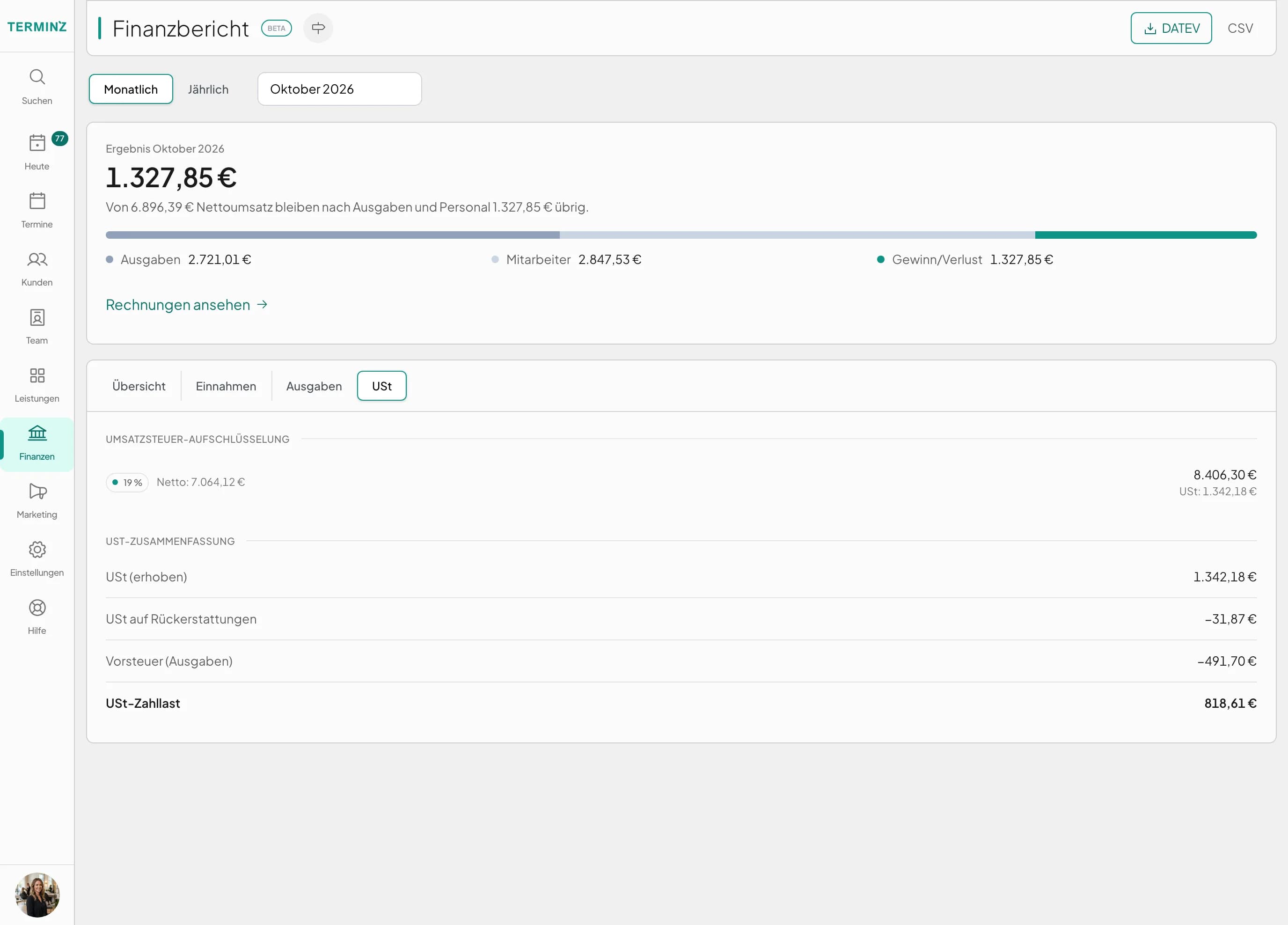
The financial report (Beta) sets revenue, refunds, expenses and staff costs against each other, for one month or a whole year. The result sits on top as a sentence, with every line it comes from underneath.
- Income
- By payment method and by category, with refunds shown on their own.
- VAT
- Broken down per tax rate. VAT charged minus VAT on refunds minus input tax from your expenses gives the amount payable.
- For reference
- Discounts, tips taken and still owed, and redeemed gift cards are listed below, kept apart from the result.
- Yearly
- The year view gives every month its own row, so you can see which months carry the business and which don't.
Tips belong to the team, and Terminz knows who is owed what.
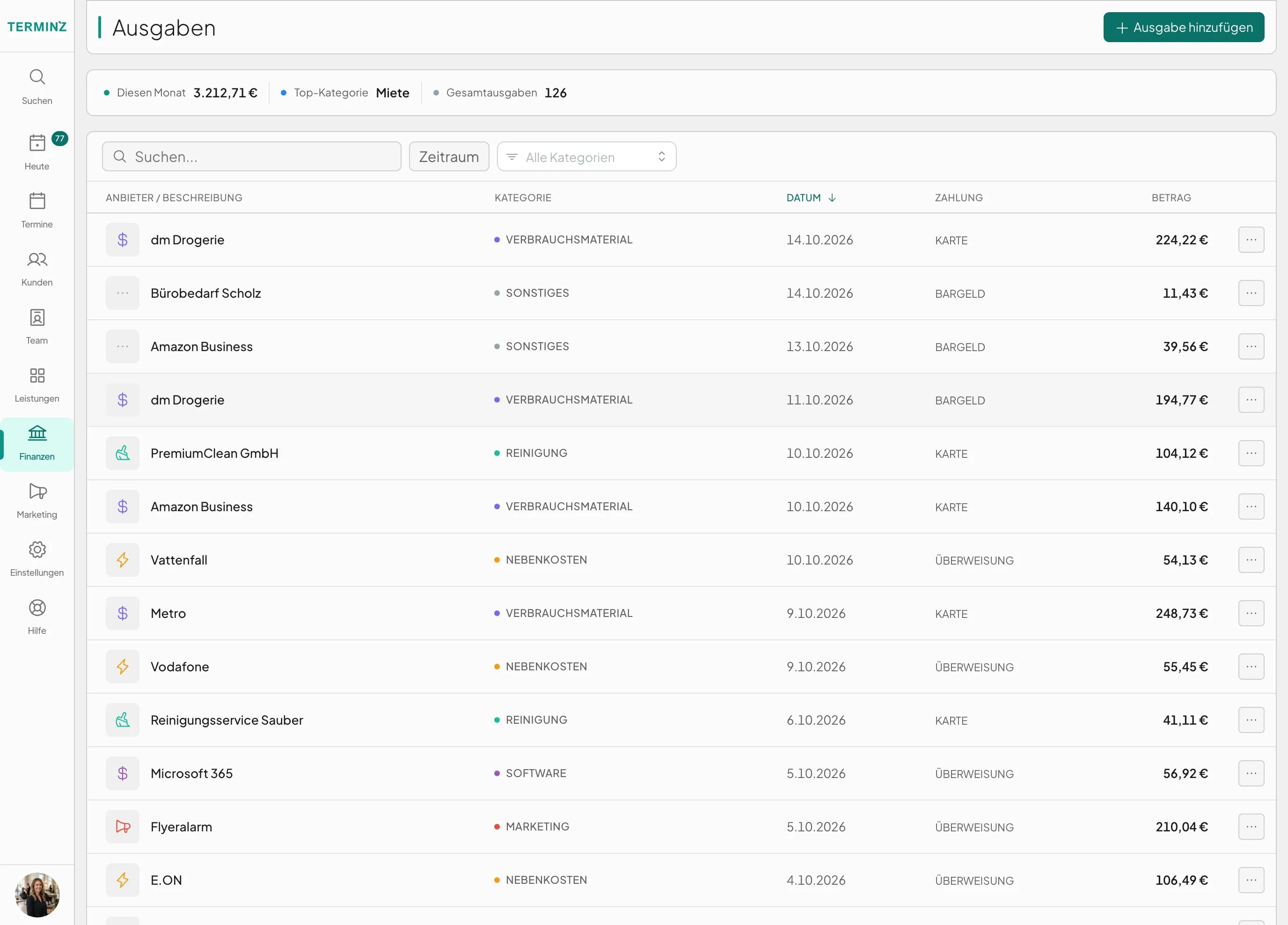
A tip at the till goes to the person who served. Under Finance › Tips you see what each person is still owed and pay it out.
Balance per person
Total earned, already paid out and still open, with the history of every payout.
Payout as an expense
When you pay tips out, Terminz books it under tip payouts. The cash balance and the financial report match without any fixing.
Tips to yourself
Tips you receive as the owner are your location's revenue and are booked that way.
Enter an expense once, and it's right everywhere.
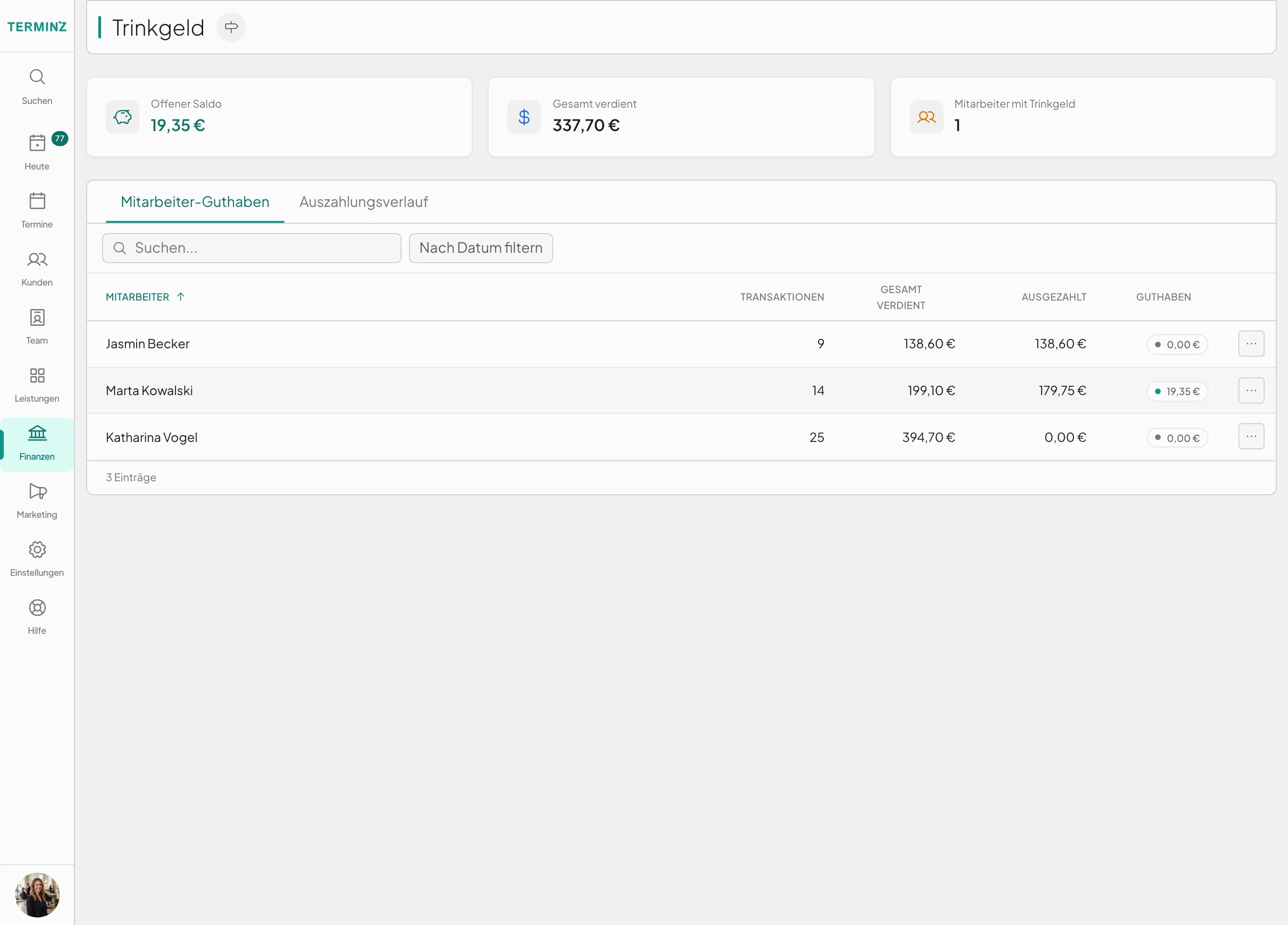
Rent, supplies, electricity: you enter the amount, category and payment method and attach the receipt. From then on the expense shows in the financial report, in the input tax and in the DATEV export.
Category with account
Every category carries its SKR03 account, so your accountant doesn't have to rebook anything.
Receipt attached
You upload the receipt right on the expense. Whoever asks later finds it next to the number.
Recurring
Set the rent up once as recurring. Terminz enters it again every month, so you don't type it twelve times.
For your accountant: one package per month.
The DATEV export (Beta) downloads a ZIP file with everything your accountant needs for the month. You enter the consultant and client numbers once and they go into every export.
DATEV package
One month as a ZIP
transaktionen_YYYY_MM_DATEV.csv
Booking batch in DATEV format, ready to import
rechnungen_YYYY_MM_DATEV.csv
Your invoices as a batch of their own
kassenbuch_YYYY_MM.csv
Every movement of the cash drawer, with the balance
journal_YYYY_MM.csv
The accounting journal with debit and credit
HINWEIS.txt
Which account stands for what, to pass on to your accountant
You see the same bookings in Terminz under Finance › Ledger, and the balances in the chart of accounts.

- SKR03
- Revenue, cash, bank and expenses sit on the accounts your accountant knows from SKR03. The chart of accounts shows debit, credit and balance for each one.
- Automatic accounts without a BU key
- Revenue accounts such as 8400 and 8300 already carry the tax. An extra BU key would book it twice, so the field stays empty there.
- Card fees
- Stripe takes its fee before the payout. Terminz books the fee to 4970 and the payout to 1200 Bank, both against the clearing account 1590.
- Without DATEV too
- If your accountant uses other software, take the CSV export of the financial report.
Invoices and commissions
Beta
An invoice from the appointment
One tap turns a completed appointment into an invoice with a running number and the details § 14 UStG requires, also for small businesses under § 19. A wrong invoice is cancelled, not deleted: Terminz issues the cancellation invoice alongside it.
Beta
Commission per person
Per person a flat percentage, a revenue tier or a rate per service. The commission report works from completed, paid appointments and flags anyone whose hourly pay falls below the minimum wage.
Frequently asked questions
Which plan includes finance?
Komplett, together with the till and receipts. The numbers come from the sales at the till, so without a till the report would have nothing to work from. In Germany the till takes payments once your location has the TSE module.
Does it work for a small business under § 19 UStG?
Yes. Once the small-business rule is switched on for your location, your invoices show no VAT and carry the § 19 UStG note.
Which minimum wage does the commission report use?
The one that applies in the month being reported: €13.90 an hour for 2026, €14.60 from 1 January 2027. Anyone whose effective hourly pay is below it is flagged in the report.
Does Terminz do payroll?
No. The staff costs in the financial report come from the salary or hourly rate you set for each person. Payroll stays with your accountant or payroll office.
What if my accountant doesn't use DATEV?
Then use the CSV export. It holds the same numbers as the report and opens in any spreadsheet program.
Bring a month with you.
In the demo we walk through a till day and a month-end close with you and show you what your accountant would get.