
Staff scheduling for your team, without the chaos.
Build weekly schedules, manage leave, assign service authorizations, and control access with 32 granular permissions. All from one place.

Sound familiar?
- WhatsApp scheduling chaos
- Coordinating shifts over group chats means things get missed. Last-minute swaps, no-shows, and conflicting availability turn every week into firefighting.
- No visibility into who is actually available
- Without a central schedule, managers have no clear picture of who's working, who's on leave, and who has overrides. Double-bookings and gaps slip through.
- Leave tracking is a manual nightmare
- Vacation days tracked in spreadsheets, sick days noted in notebooks, no history. When disputes arise, there's nothing to reference.
Everything your staff management needs
Weekly schedule builder with overrides
Set a recurring weekly schedule per staff member with day-by-day start times, end times, and day-off flags. Override any day for vacation, sick leave, or special hours without losing the base pattern.
Service authorization per staff
Control which services each staff member is allowed to perform. Mark a primary provider per service or set a cap on concurrent bookings. Customers only see staff qualified for their chosen service.
32 granular role-based permissions
Five roles with fine-grained control across 8 categories: appointments, customers, services, financials, settings, resources, and analytics. Every team member gets exactly the access they need.
Leave and vacation management
Track leave entitlements with period-based vacation and sick day pools. Approved leave creates an availability override automatically, so the schedule always reflects reality.
Compensation tracking
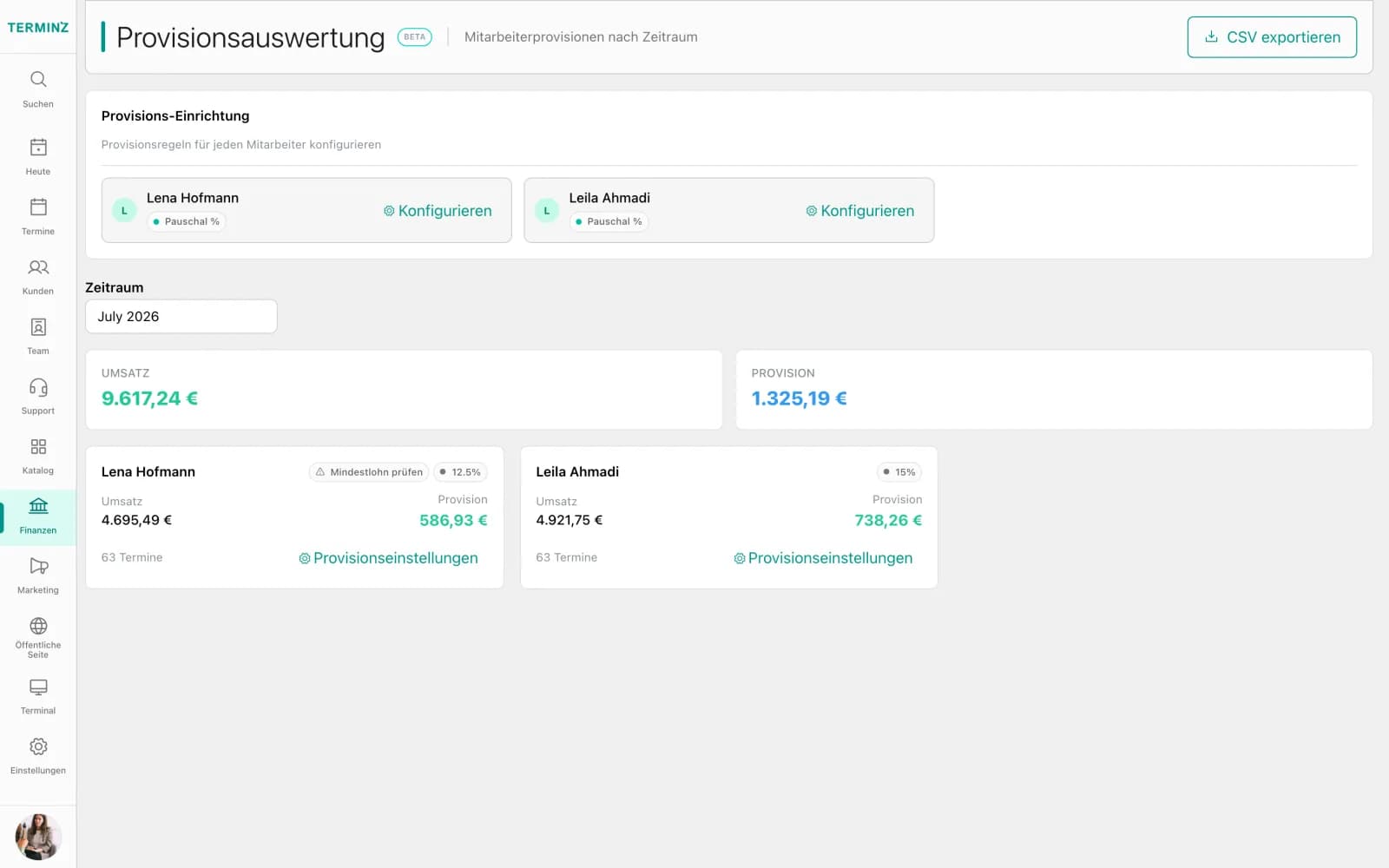
Record employment type (full-time, part-time, contractor), salary type (hourly or monthly), base rate, and overtime rate, stored in cents for payroll-ready precision.
Staff specializations and resources
Assign expertise areas and resource access (rooms, equipment) per staff member. Terminz routes bookings to the right person with the right tools automatically.
What it looks like

Frequently asked questions
How do the 32 permissions work in practice?
Permissions are grouped into 8 categories: Staff, Customer, Business, Service, Financial, Settings, Resource, and Analytics. Each role inherits a default set, but access can be customized per team member to match exactly what they need.
Can I override a staff member's schedule for a single day?
Yes. Availability overrides let you set exception availability for any date: vacation blocks, sick days, or special working hours. Overrides take precedence over the recurring weekly pattern and are reflected instantly in booking availability.
Can the same staff member work across multiple locations?
Terminz is multi-tenant by design. A staff member can be active in multiple business locations within the same tenant, each with their own schedule, permissions, and service authorizations.
How does service authorization prevent wrong bookings?
Each staff member has an explicit list of authorized services. When a customer books, only staff with the matching authorization are shown. You can also designate a primary provider and cap concurrent bookings per staff to prevent overloading.
How is leave tracked and does it affect scheduling?
Leave entitlements are tracked per staff member using leave periods with vacation and sick day pools. Any approved leave creates an availability override automatically, so the schedule reflects actual availability without manual updates.
Ready to bring order to your
See how Terminz handles schedules, permissions, and leave in one clean view. Book a demo.